
How to restore and backup in L3,L4,L5 and ultra software
If you don’t back up your data regularly, it will be extremely hard to restore everything to its original state once something goes wrong with your computer data. You’ll have to reconfigure all the electronic door locks and software from scratch, which is time-consuming and counterproductive. As users, we should maintain proper backups for this electronic door lock management software, including door lock layouts for the entire commercial project, access logs, and more. Below, we’ll walk users through how to back up and restore data for the electronic door lock software
Backup
-
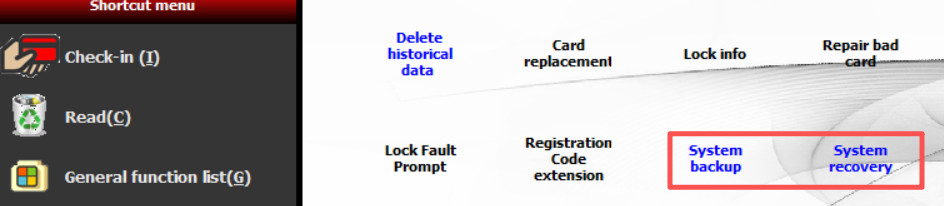
1.->Open software->General functionlist->System backup
-
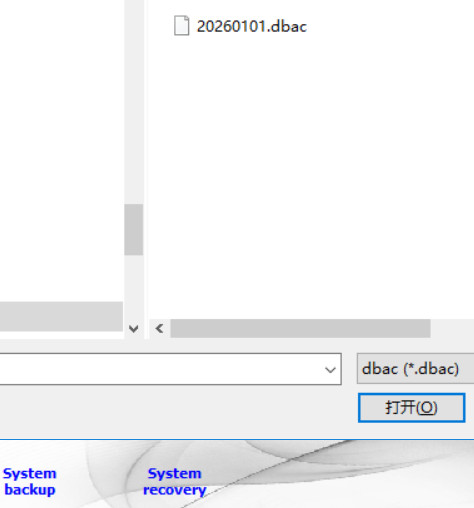
2.->input the backup file name you want(please remember the folder directory where the backup file is located);
restore
-
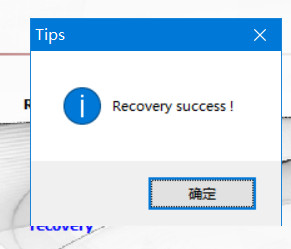
1.->Open software->General function list->system recovery->select the recovery file->wait for some time until it shows "recovery success".
Related key card lock product
slim SS key card lock
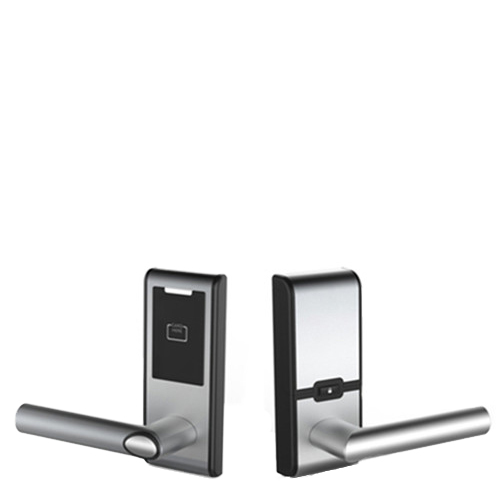
retrofit SS cylindrical lock
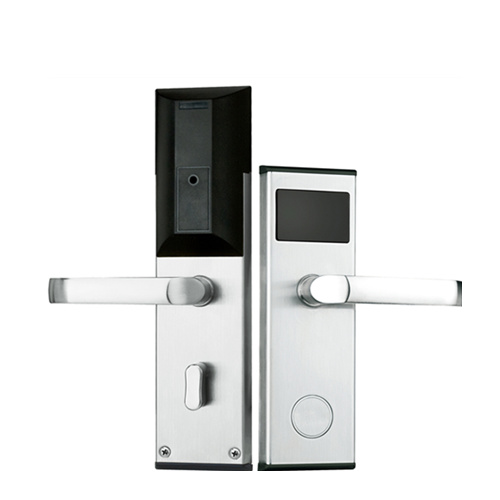
classic durable key card lock
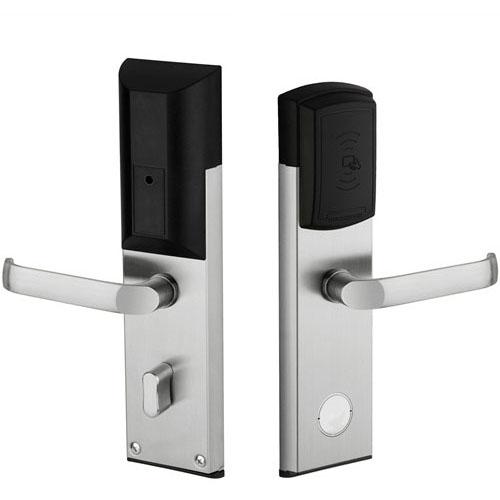
retrofit SS key card lock
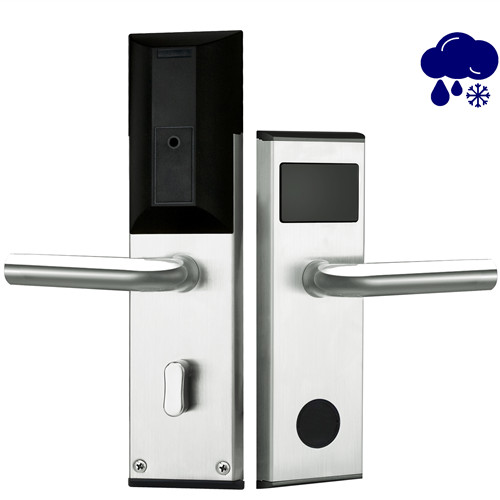
waterproof SS contactless card lock
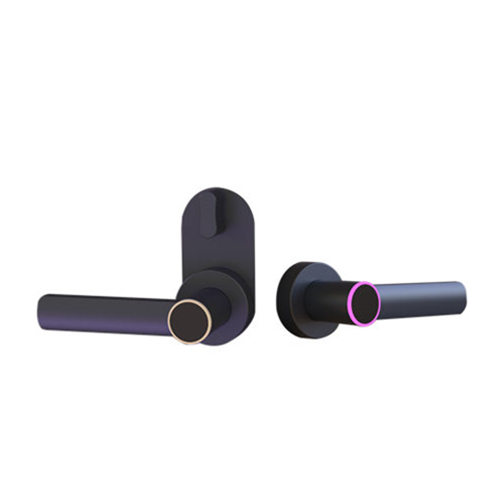
handle-only keycard lock
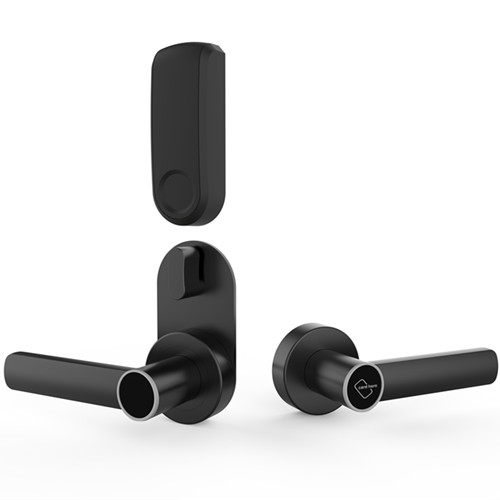
alternative lever-only keycard lock
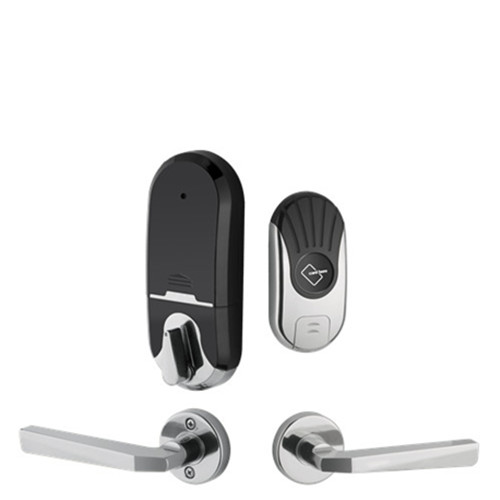
split style hotel card lock
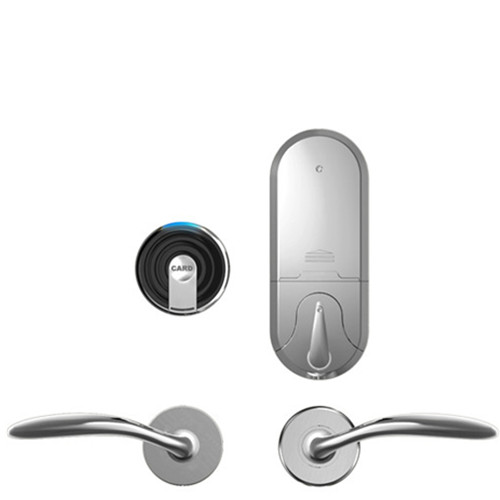
alternative split style card lock
aluminum keycard door lock
low cost smart lock
-

Skype
-

WhatsApp