
How to install L4_GV version software on Win10/Win11
If user cannot run L3/4 software in the windows 11 OS normally,then he can try to use the new updated L4_GV version software
-
(1)Download the file L4StdGvSoftware.zip and then unzip the file and make sure the directory is english letter and there is no space,no special symbol on the directory
->you will get two folder "L4_DB_EN" and "Net_Neutral_5_green".
Note:you need purchase a special USB dongle from us to run this software.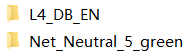
-
(2)Setup database: ->L4_DB_EN->right click icon SetDB32_en.exe and as administration
->click button Install
->select "1-2G " or "2-4G"
->OK
->Create service
->English
->Set up database ->Finish (If there is any prompt from fire wall or antivirus software please allow it pass through, because firewall may stop the software from creating database service.)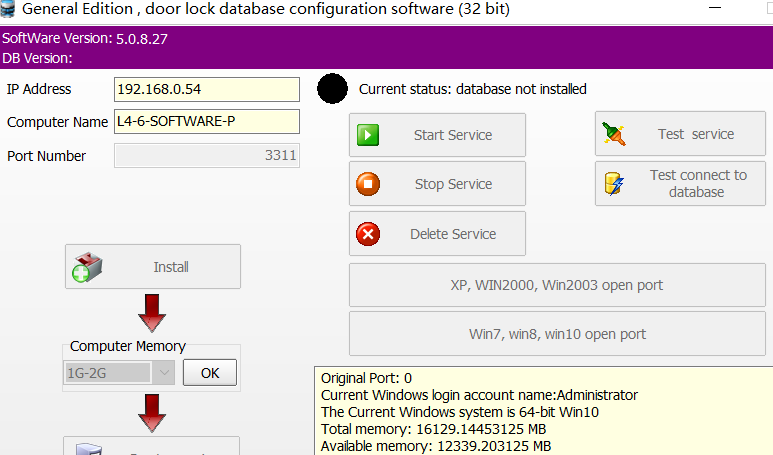
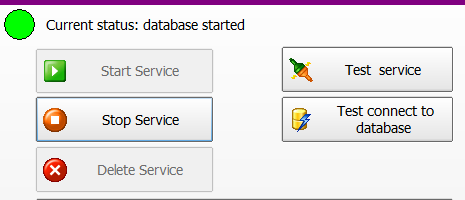
(3)Click button "Start service" . The symbol on top will turn to green from black if the service can be started successfully.
(4)Run the client software:
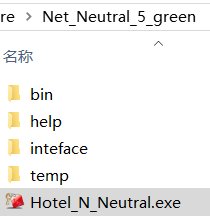
->"Net_Neutral_5_green"
-> Run Hotel_N_Neutral.exe
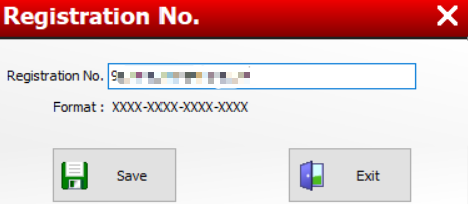
(5)Input registration code(if user wants to upgrade from old system in the same property/project,please make sure using the same old registration code)
-
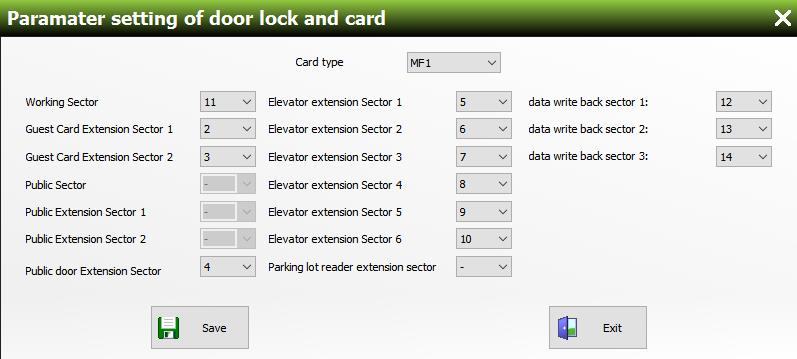
- Working Sector:11;
- Guest Card Extension Sector 1:2;
- Guest Card Extension Sector 2:3;
- Public Sector:leave it blank;
- Public Extension Sector 1:leave it blank;
- Public Extension Sector 2:leave it blank;
- Public door Extension Sector:4;(if blank, MAX public door amount is 120;if enabled, MAX public door amount is 480.)
- Elevator extension Sector 1-6:choose "5-10"(if there is no elevator access controller,then leave them blank;
- Parking lot reader extension sector:leave it blank;
- data write back sector 1-2:choose 12-14 (These 3 sectors is used to write the recent 6 pieces record from electronic door lock or access reader to key cards. If they are enabled, card reading speed will be slightly slow down. So if user does not use this function, just leave them blank);
-
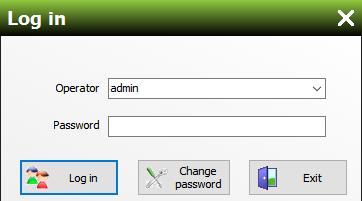
(7)log in software. default operator: admin, default password:empty (user can reset password later in the software);
-
(8)you can also restore the previous record from old L3 and L4 system later if necessary and the new software's usage is the same as normal L4 version;
Related key card lock product
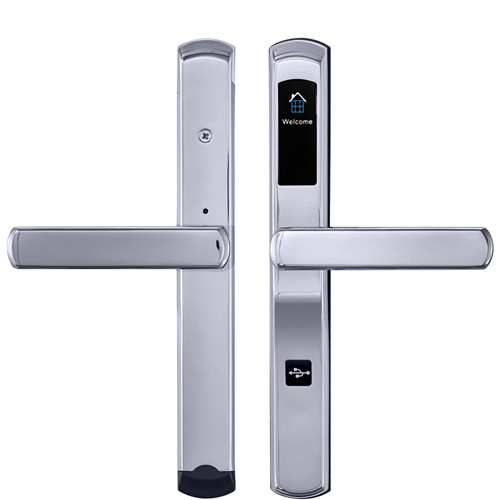
slim SS key card lock
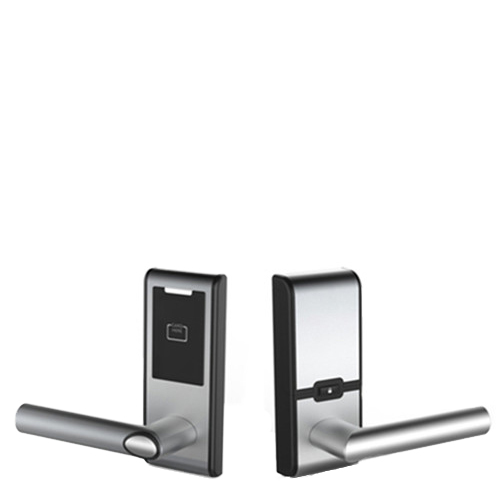
retrofit SS cylindrical lock
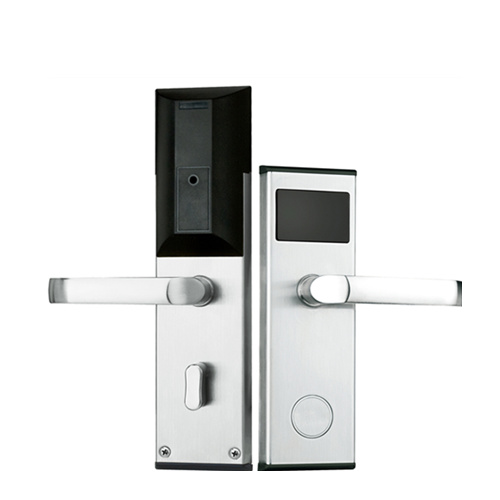
classic durable key card lock
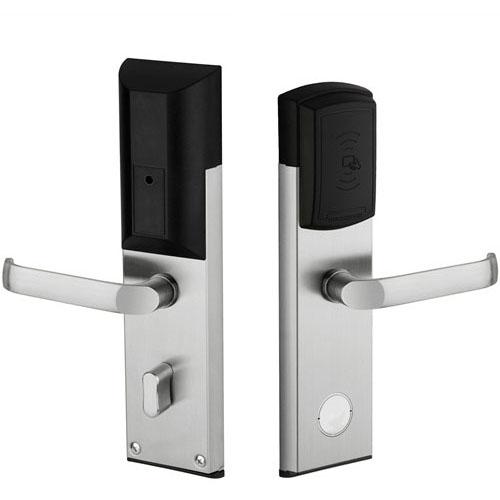
retrofit SS key card lock
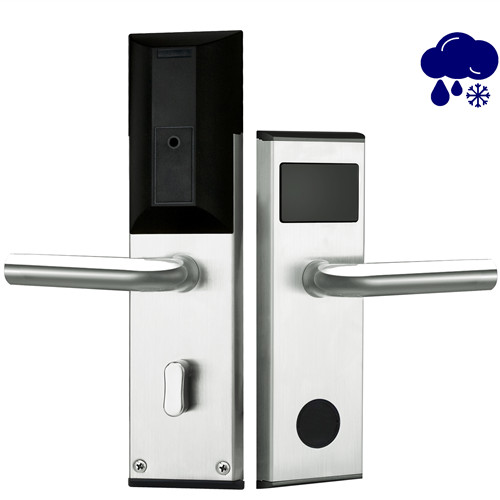
waterproof SS contactless card lock
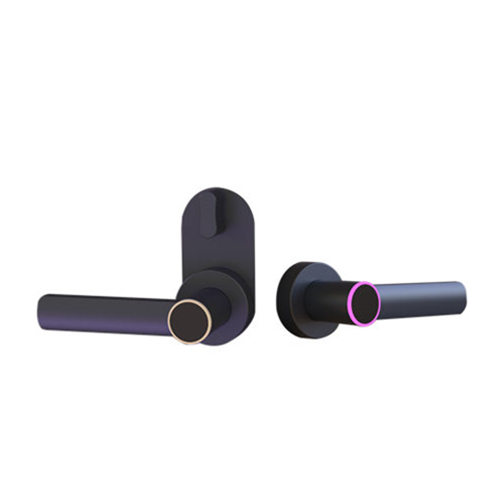
handle-only keycard lock
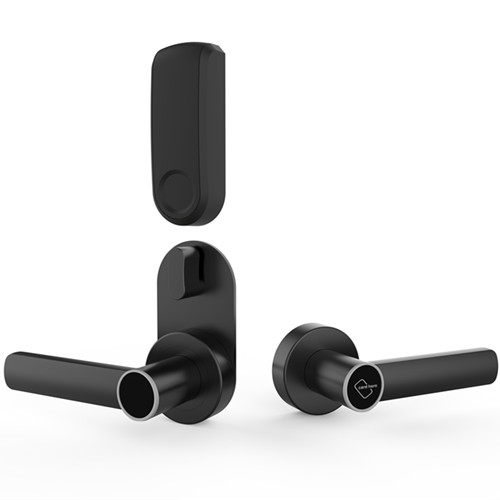
alternative lever-only keycard lock
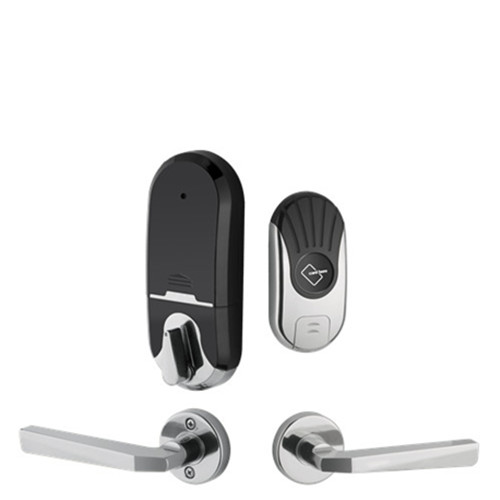
split style hotel card lock
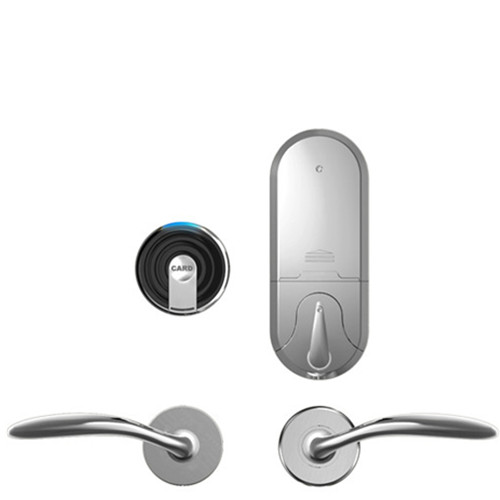
alternative split style card lock
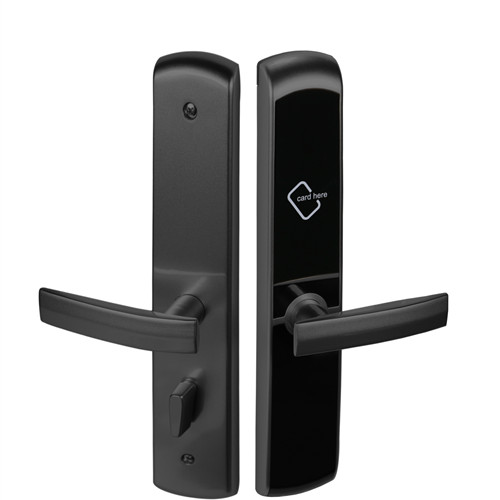
aluminum keycard door lock
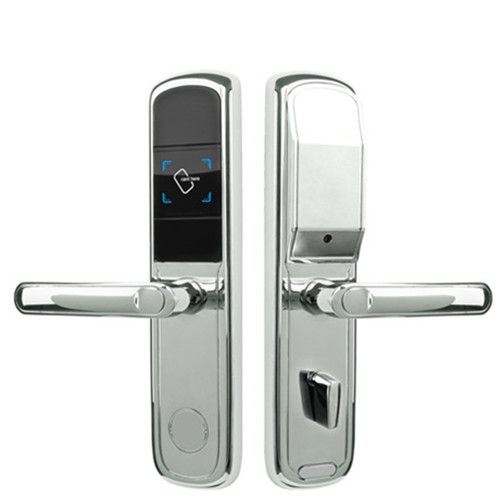
low cost smart lock
-

Skype
-

WhatsApp